
Eli Snir, IT Manager, Avnet, Israel
All our company using the amazing outlook searches since we found "Lookeen 2010 Professional
Max Bucht, Managing Director, Infosystems Software & Service GmbH, Eschborn, Germany
Lookeen of course is a GREAT product!
Richard Hayward, IT Manager, Tube Tech International, Essex, UK
We would not hesitate in recommending Lookeen to other businesses.
Jonathan Cousar, President, LazyLizard Internet Inc., New York, USA
I mean your product is great!
Rusty Keighron, Insurance Industry Manager, Docstar, New York, USA
Just a note to say how much more productive I am thanks to Lookeen.
Shay Traittel
I am working with your software and it is so good.
Christophe Marcant, Software Specialist, San Francisco, USA
I depend on it every day and it has saved me countless times finding emails I had misplaced.
Marc Prinsen, System Engineer, Viveo Belgium, La Hulpe, Belgium
Lookeen really enhances our Outlook experience by speeding up our searches. It is very easy to configure and fine-tune!
Network Administrator, Allentown, PA, USA
Lookeen is the best product we have found to allow for "full text seaching" of our shared Outlook email folders. It is an excellent product!
Kevin Anetsberger, General Manager, Midwest Tungsten Service, Willowbrook, USA
It is a terrific product! I was so pleased with it that I ordered copies for all of our staff.
Howard Bayne, Toronto, Canada
Lookeen saves me from searching, it helps me find.
Oliver Krainhöfner, Owner, CRAINTEK Media
…I love my inbox again!
Patrik Heim, Developer, Realtech System Consulting Corporation
It really simplifies my communication.
Nora Mühlbacher, IT System Manager, Frequentis AG
Frequentis employees benefit from Lookeen.
Nico Zettler, Producer, 10tacle Studios AG
…an excellent add-in for Microsoft Outlook…
Anja Kottke, Technical Writer
Outlook at its best.
Timo Sikora, Director, Caspar Fashion Corporation
This product has changed my daily work.
Carolin Fischer, Sr. HR Assistant
…I cannot live without this tool.
Guido Kopkow, Germany
Best search engine I have ever seen for Outlook! It seems that I will never need an archive solution for my mails.


Lookeen Screenshots

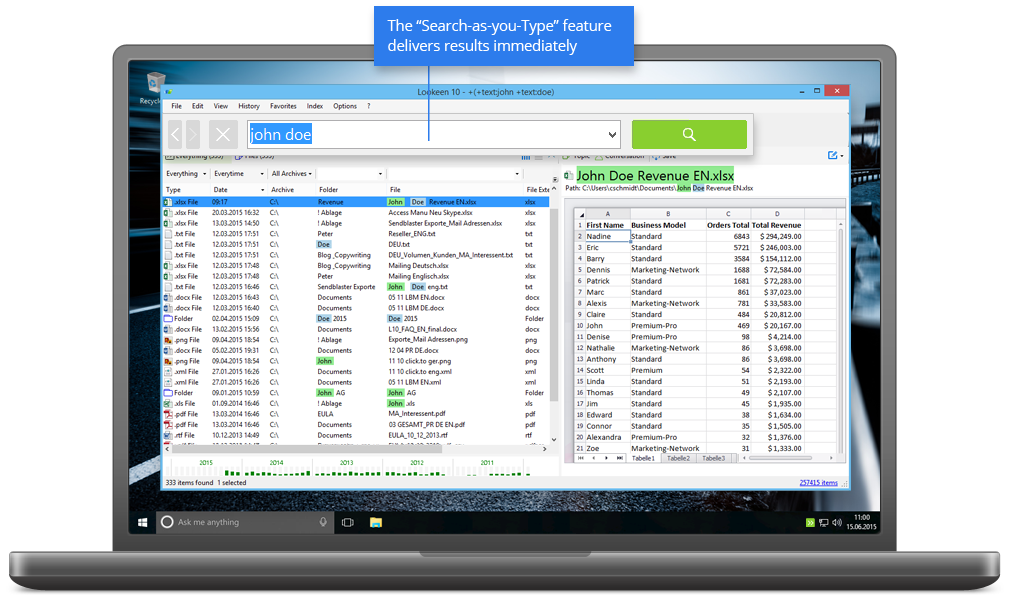
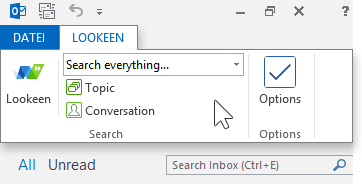
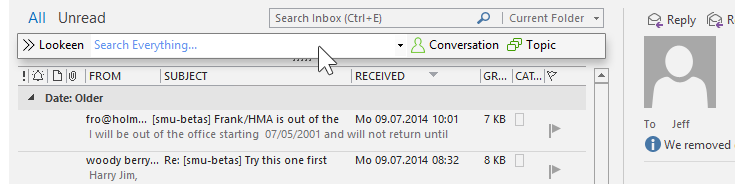
The Lookeen toolbar integrates itself smoothly into your Outlook – just continue working like you are used to. Simply type in a search word and press ENTER. Lookeen will then start a search enquiry throughout your complete Outlook-data.


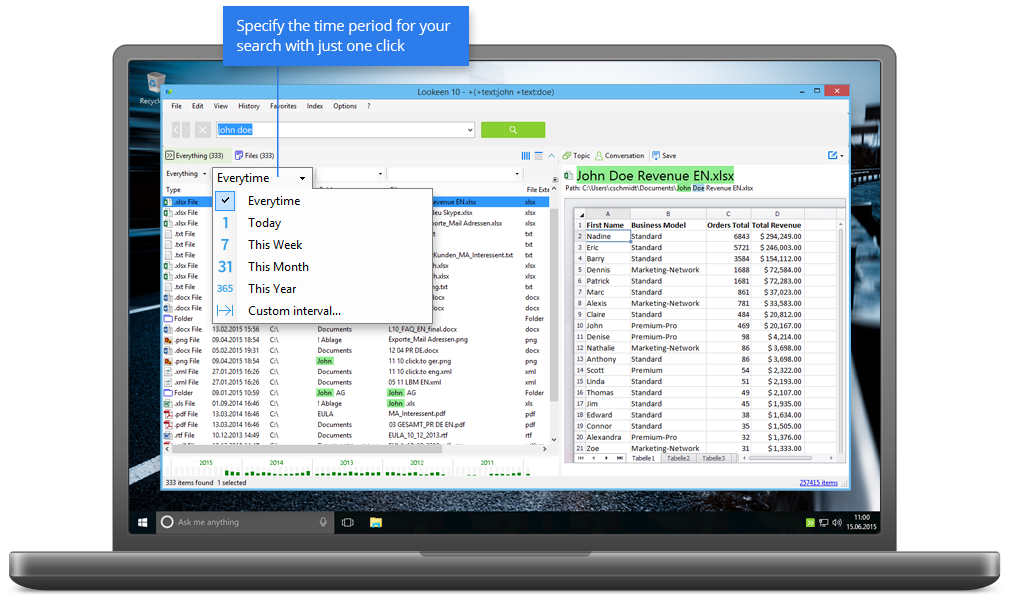
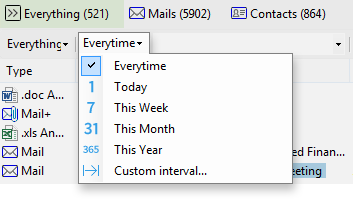
The Lookeen search result window will provide you with your search results at lightning speed and in a well-arranged as well as clearly structured way. Your located search words will be highlighted in colour within the familiar Outlook-preview feature. The individual tabs will sort the search results according to types. You can further restrict the search results by using the extended serach fields arrays “date” or “file”.


Click on the button “Lookeen Analytics” after you have entered the search words. Your inbox will now be analysed in accordance with your search enquiry. In which month was the highest number of invoices sent? Who is my best customer? To display the actual mail traffic during this day or month, simply double click on the corresponding line.


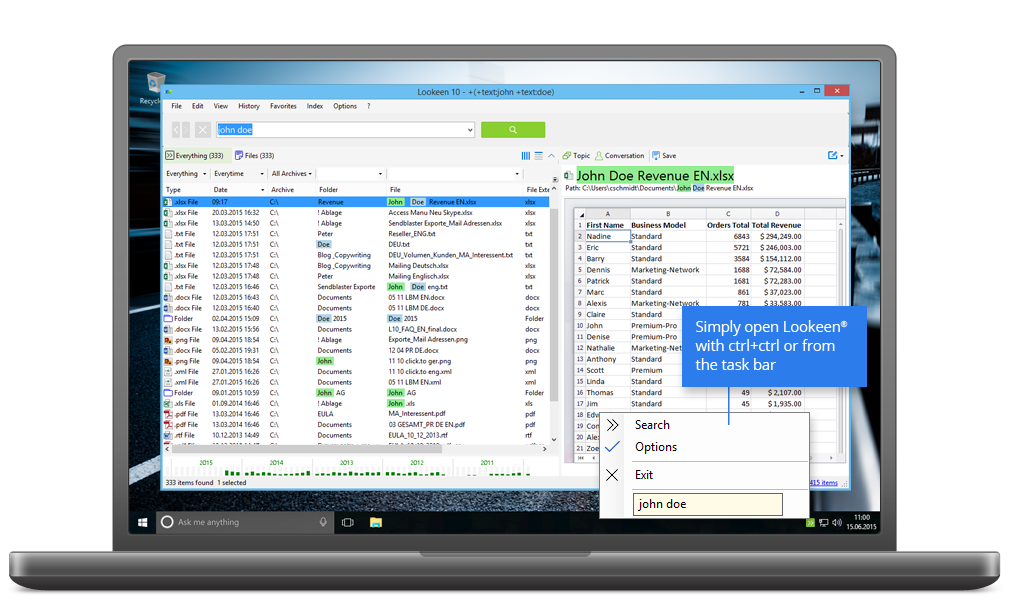
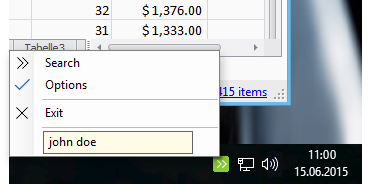
Convenient: Lookeen is also integrated into your Windows notification array (system tray). In this way you are able to start a search, to activate indices or to access the Lookeen options via the quick access feature.


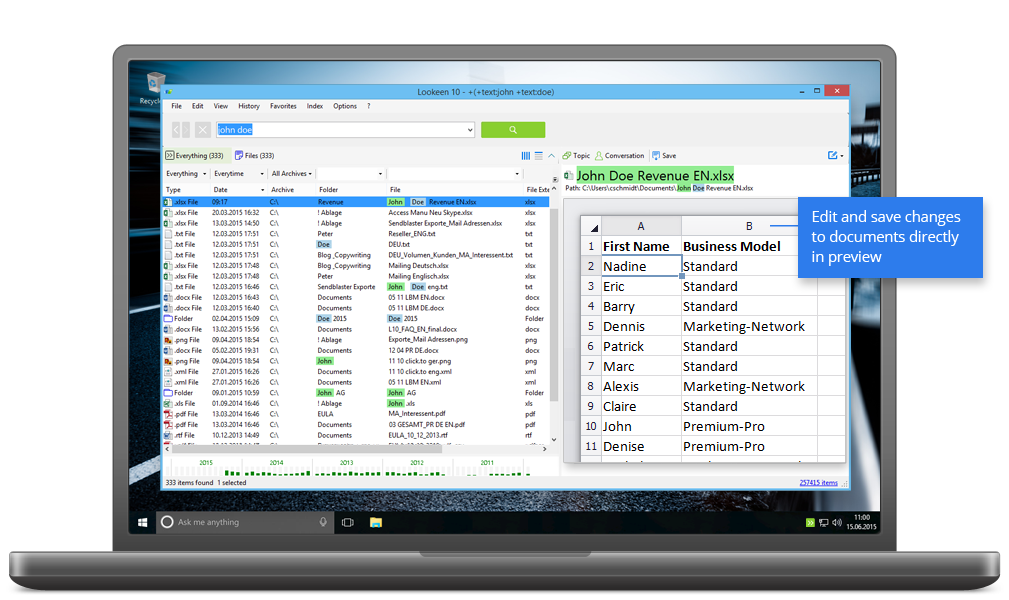
Would you like to further restrict your search or to immediately work on the located email without going back to Outlook? To do this, click with the right mouse button on a search result – the Lookeen context menu will display all required features.


The Lookeen options can be operated very easily. You only need three clicks to add, for example, a new index source. You can set the indexing times, add further file formats for indexing or include new shared index sources.

Do you have a sales question? Contact us at 315-352-0745 US/CA

For technical support please use the support form